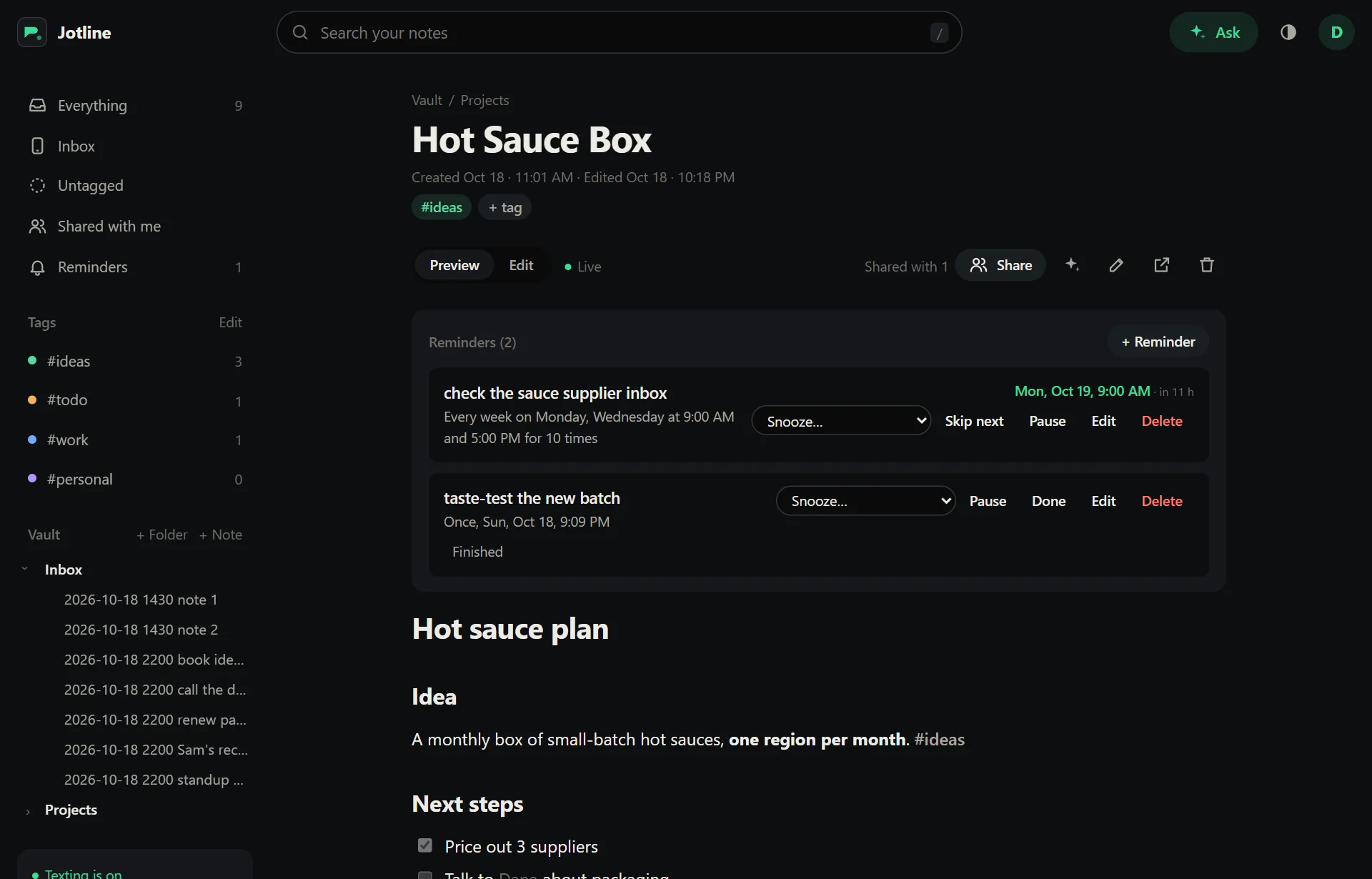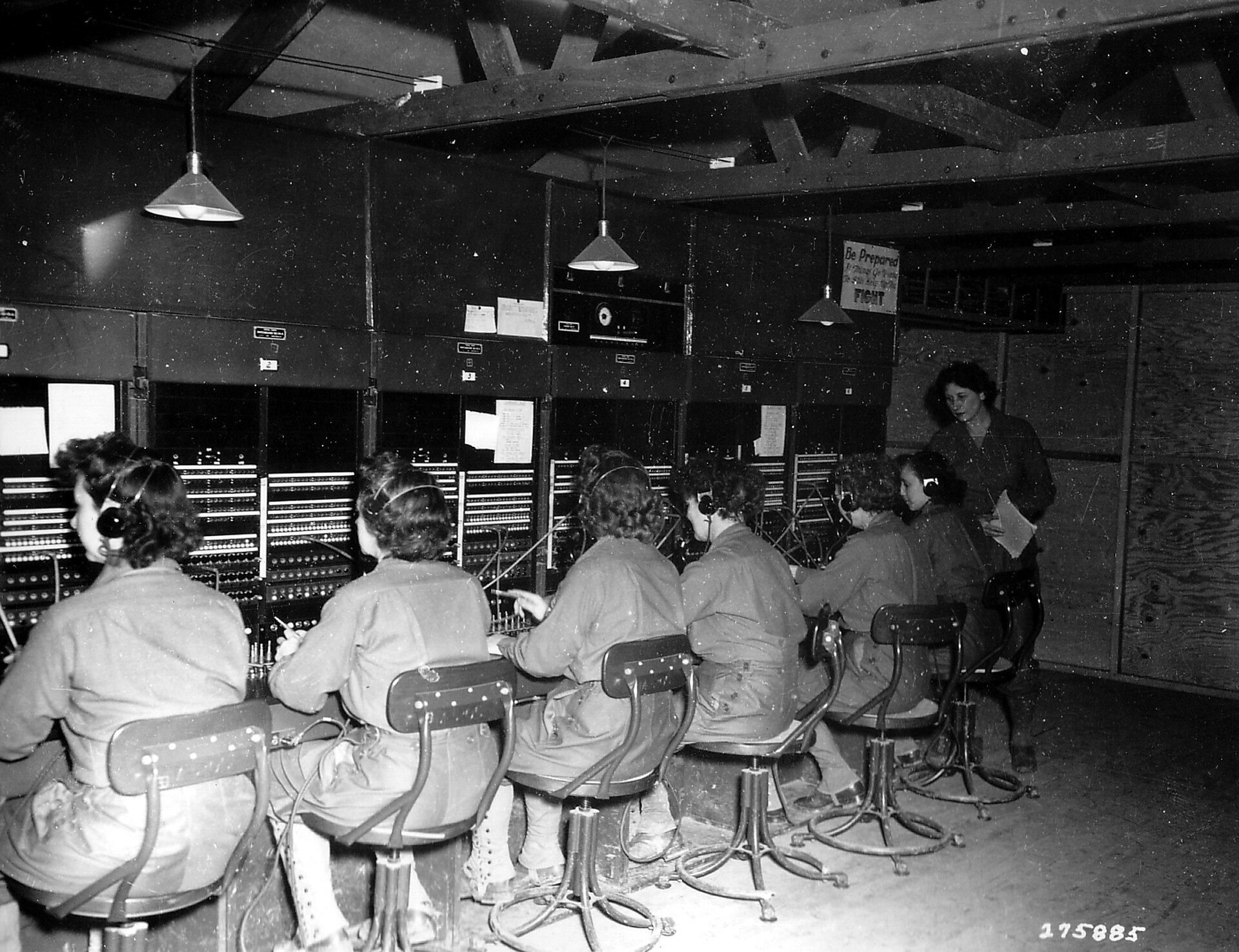
Switchboard operators at work in a wooden exchange room, 1944

Text your notes

One number to text.
A Markdown file per note.
On a server you run.

Or try one of these

Inbox/2026-10-19 0941 call mom family.md

---
created: 2026-10-19T13:41:00.000Z
source: sms
reminders:
  - at: 2026-10-23 16:00
---
call mom #family

Send a text to one number. It lands in a vault on your own server as a Markdown file, filed and searchable.
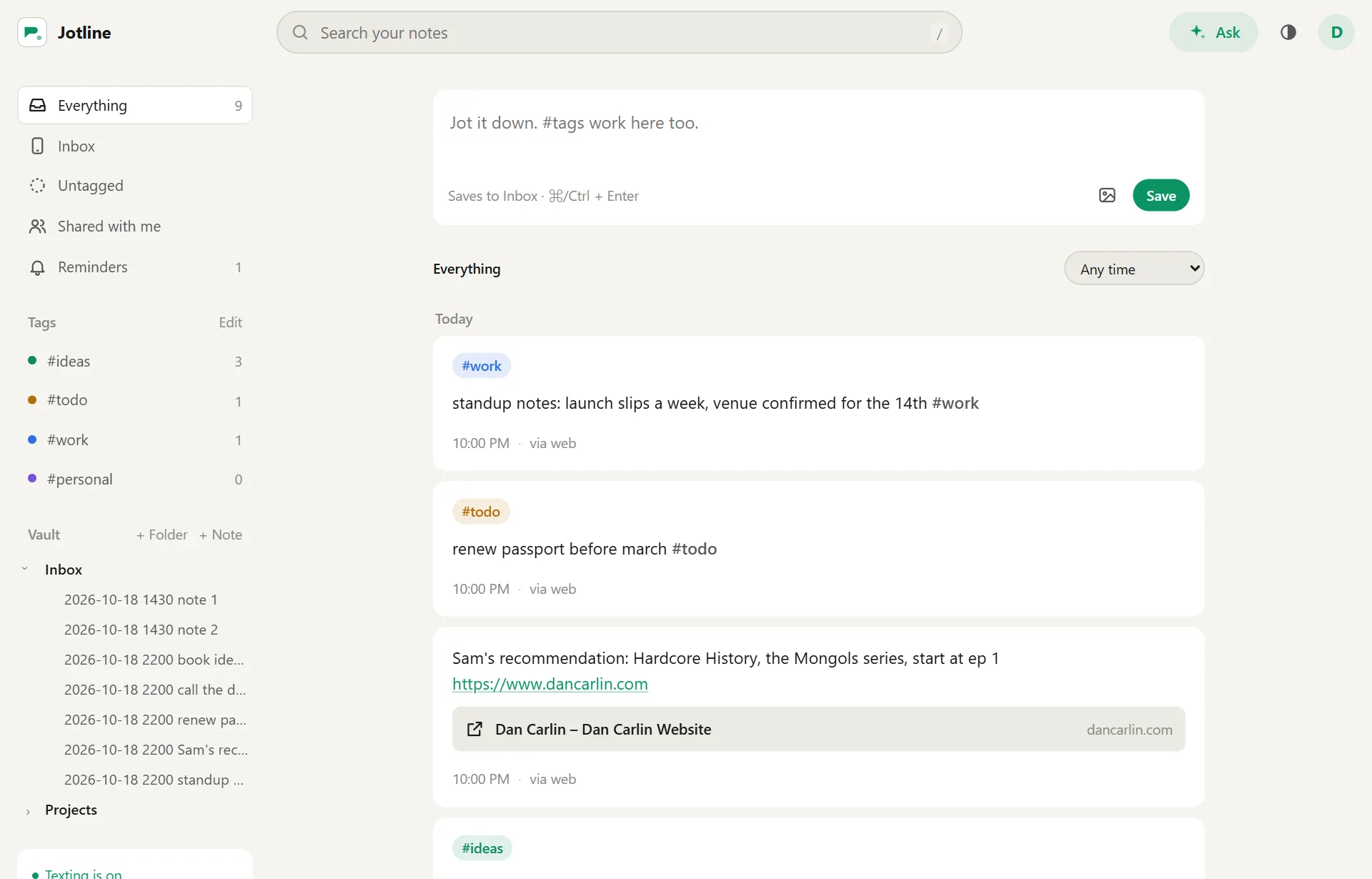
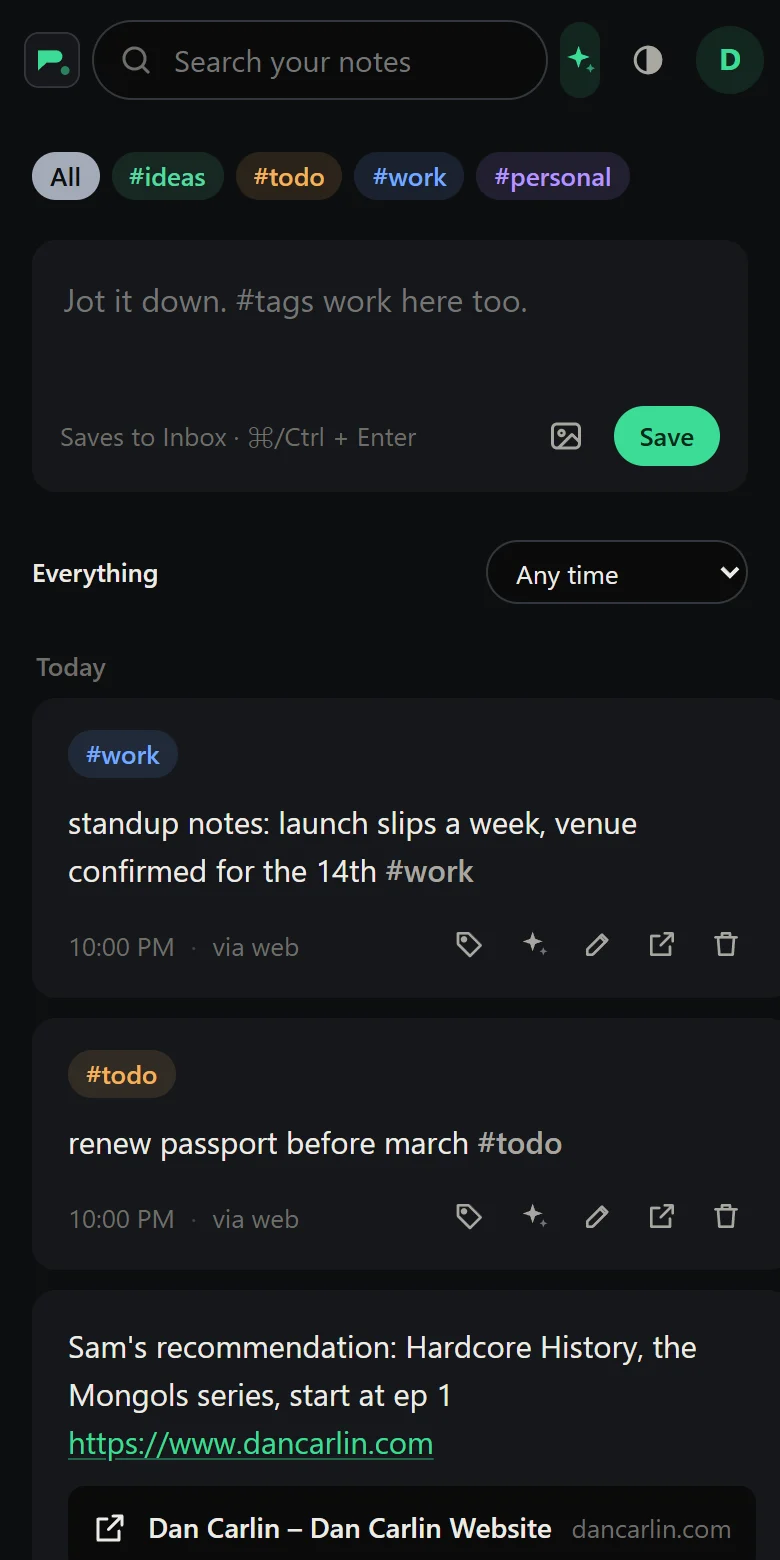
Jotline's feed on a phone: notes texted in today, each with its tags

Your phone is the keyboard

Texting works from any phone, no app needed. Install Jotline from the browser to read, search and get reminders on the lock screen.

One text, two seconds

What happens between your thumb and the file, for a text sent at 9:41 in the morning.

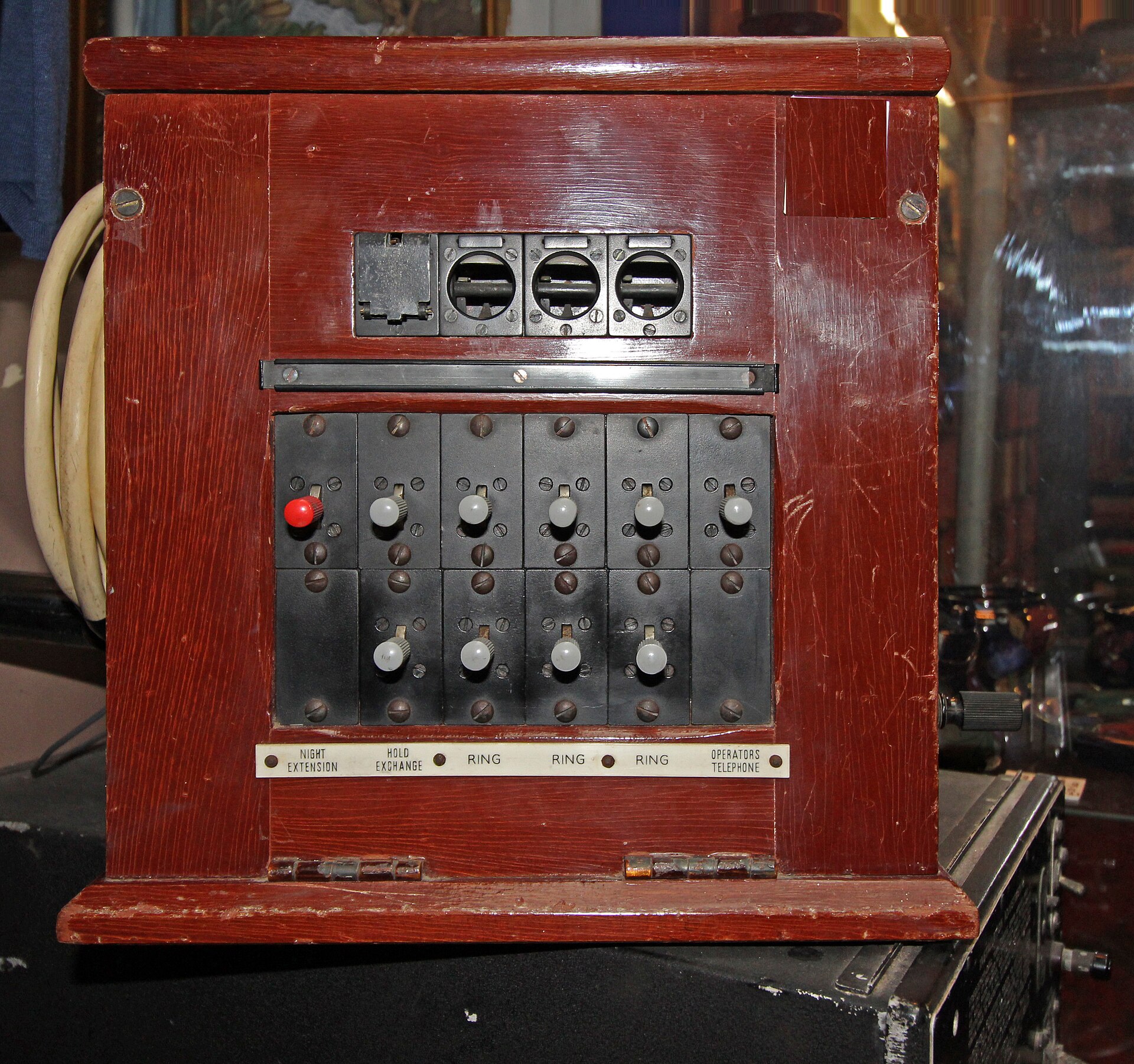
A small wooden telephone exchange from the 1940s with ring and hold switches
The routing used to look like this.

On your phone

You text: pick up film from the lab #errands9:41:02

On the gateway phone

Received by your TacLine SMS phone9:41:03

Read back from the gateway by its id9:41:03

On your server

Written to Inbox as a Markdown file9:41:03

Filed under #errands from your hashtag9:41:03

Shown in every tab you have open9:41:04

In your vault: one file, yoursabout 2 s

What happens to your notes

Ask your vault

Text
? where did I park
Reply
an answer, and the note it came from
Runs on
your server's Anthropic API key

Start a text with a question mark and Claude Haiku answers from your notes, by text. Ask in the app and it links the notes it used.

? when is the dentist

Tuesday at 10:30. You noted it Oct 14: "dentist tue 10:30, ask about the crown quote."

remind me monday 6pm to confirm

Set for Mon, Oct 20, 6:00 PM: confirm. Reply UNDO to cancel.

Reminders on any schedule

Repeats
any rule a calendar can hold
Arrives
by text, as a notification, or both
Quiet hours
it waits until they end

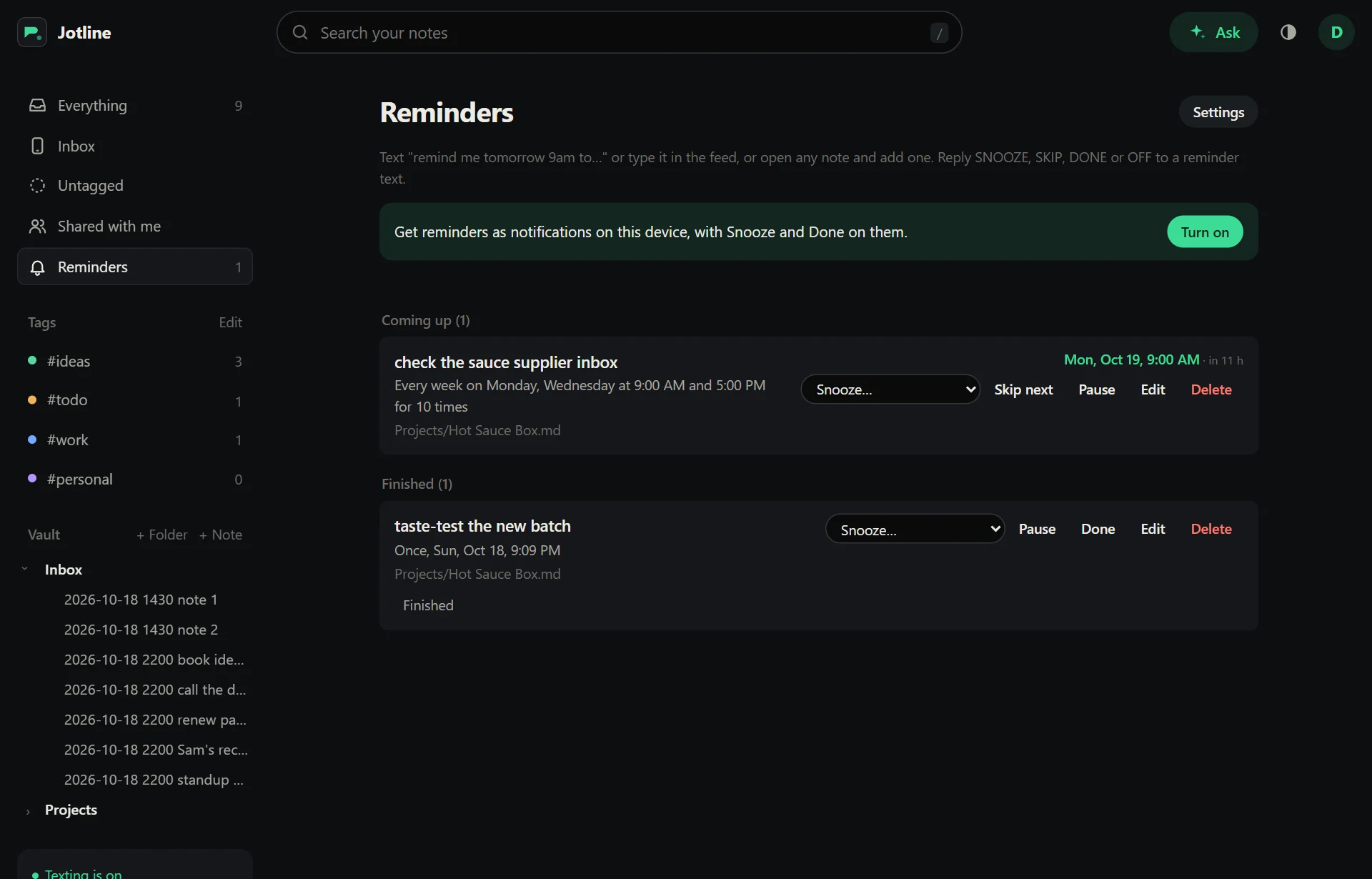
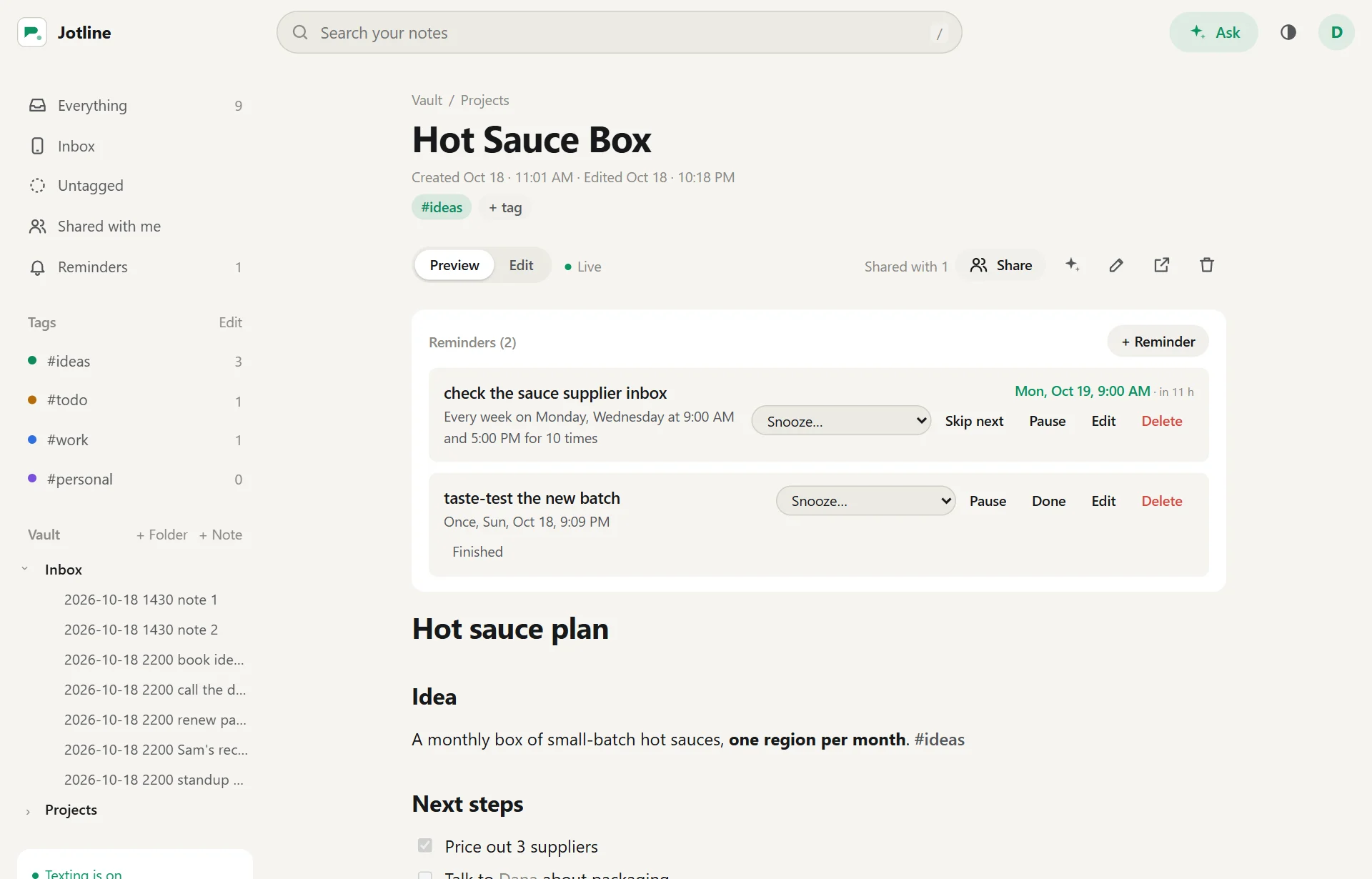
"Every other Friday at 4", "the last weekday of the month", twice a day. Snooze, skip or finish one from the text or the notification.

The Reminders page: a weekly reminder on Monday and Wednesday at 9:00 AM and 5:00 PM, with Snooze, Skip next and Pause

Write it together

Share with
anyone with an account here
Access
view or edit, note by note
Saved to
the same Markdown file

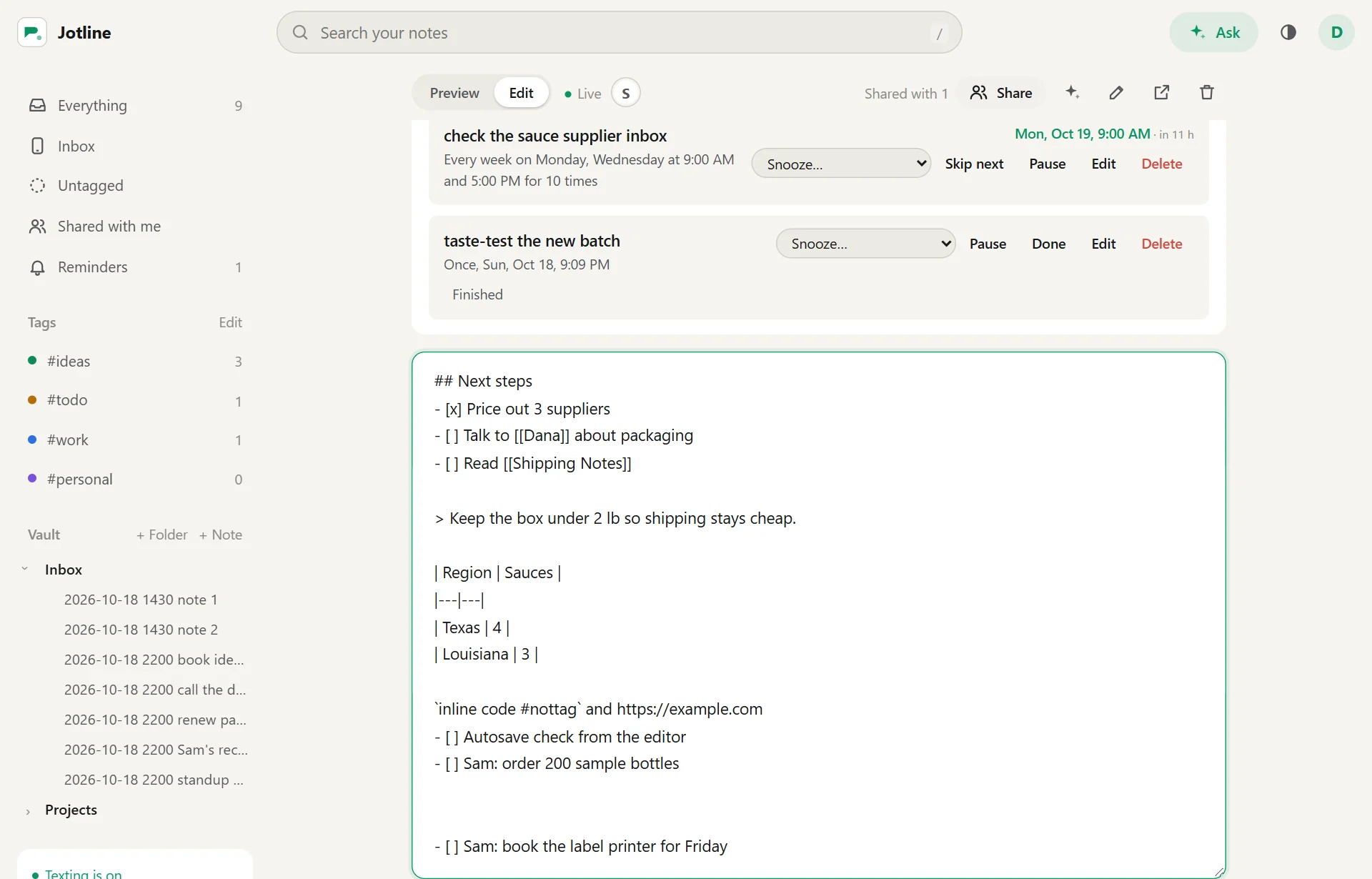
Share a note with someone on your server and edit it together. You see their words as they type them, and neither of you loses a change.

A shared note open in the editor, live, with Sam's initial showing that Sam is typing

Read it like a page

Links
[[wikilinks]] and backlinks
Shows
checklists, tables, quotes and code
Pictures
the ones you attach, in place

Links between notes, checklists, tables and pictures look the way Obsidian draws them, from the same Markdown.

A note rendered as a page: headings, a checklist, links to other notes, a quote and a table
Runs as
one Docker container
Stores
Markdown files
Texts through
your own SMS gateway

Every note is a Markdown file in a folder on your server, readable by any editor, Obsidian included. The database indexes those files, and you can rebuild it from them at any time. Leave whenever you like: the export is the whole vault.

Inside

  • A file per noteMarkdown
  • Tags, remindersin each file
  • Picturesattachments/
  • Deleted notes.trash/
  • Search indexSQLite
  • Opens inObsidian
  • Texts byTacLine SMS
  • Answers byClaude Haiku
  • NotificationsWeb Push
  • Deploys withDocker, Coolify

Start your vault

The first account on a new server runs it. Link your phone in Settings and text your first note.

Create your account